Deposit & Withdrawal at a Glance
All four mobile wallets supported by 1qqq bd use the same instant settlement rails. Here is exactly what to expect for timing, minimums and fees — no guessing.
| Method | Type | Min. Deposit | Deposit Arrives | Min. Withdrawal | Withdrawal Arrives | Fee |
|---|---|---|---|---|---|---|
| bKash | Mobile Wallet | ৳150 | ~1 min | ৳400 | ~43 min | None from 1qqq bd |
| Nagad | Mobile Wallet | ৳150 | ~1 min | ৳400 | ~43 min | None from 1qqq bd |
| Rocket | Mobile Wallet | ৳150 | ~1 min | ৳400 | ~43 min | None from 1qqq bd |
| Upay | Mobile Wallet | ৳150 | ~1 min | ৳400 | ~43 min | None from 1qqq bd |
-
bKashDepositArrives in ~1 minWithdrawalArrives in ~43 min
-
NagadDepositArrives in ~1 minWithdrawalArrives in ~43 min
-
RocketDepositArrives in ~1 minWithdrawalArrives in ~43 min
-
UpayDepositArrives in ~1 minWithdrawalArrives in ~43 min
Deposit times are measured from the moment your mobile wallet confirms the transfer. Withdrawal processing begins after your account passes the one-time KYC check — first-time withdrawals may take up to 6 hours while your documents are reviewed; subsequent withdrawals settle in around 43 minutes. 1qqq bd charges no transaction fees on its end; your wallet provider's standard rates may apply.
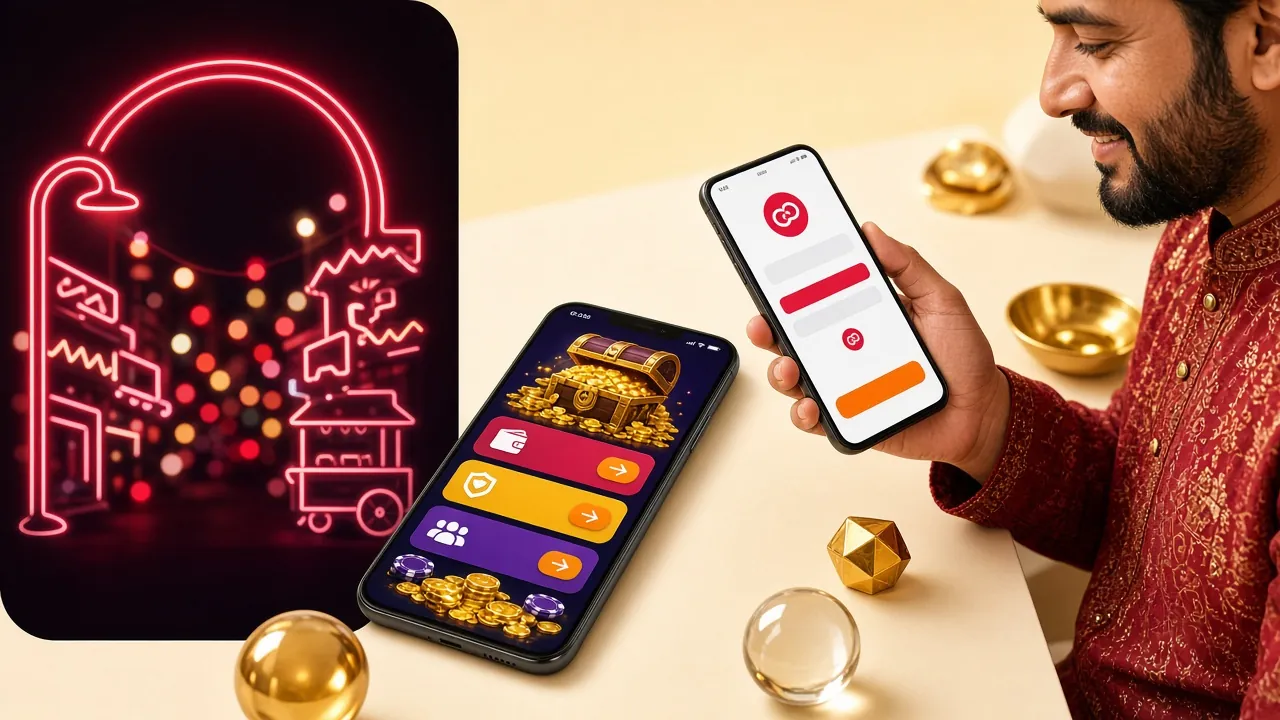
Quick Facts at a Glance
Before you open the cashier, here are the numbers that matter. All amounts are in Bangladeshi Taka (৳).
- Minimum deposit
- ৳150
- Funds arrive in
- ~1 min
- Payment methods
- 4
- Welcome bonus
- 235%
How to Make Your First Deposit
The deposit flow on 1qqq bd is the same regardless of which mobile wallet you use. These five steps apply to all four methods.
-
01
Log in to your account
Go to 1qqq bd Login and sign in with your registered phone number and password. If you do not have an account yet, register here first — it takes under two minutes.
-
02
Open the cashier
Tap the wallet icon or select Deposit from the account menu. The cashier page lists all available payment methods.
-
03
Select your mobile wallet and enter amount
Choose bKash, Nagad, Rocket or Upay. Type in the amount you want to deposit — the minimum is ৳150. The page will show the merchant number to send to.
-
04
Send payment from your mobile wallet app
Open your wallet app and use the Send Money or Payment option to transfer the exact amount to the merchant number shown. Copy the transaction ID (TrxID) shown after payment.
-
05
Confirm and wait for credit
Paste your TrxID into the confirmation box on the 1qqq bd cashier page and tap Submit. Funds typically appear in your 1qqq bd wallet within 1 minute. If you have been waiting longer than 5 minutes, contact live chat.
bKash Step-by-Step
bKash is the most widely used mobile payment in Bangladesh. Here is how to use it on 1qqq bd.
- Log in to 1qqq bd and go to Deposit → bKash.
- Enter your deposit amount (minimum ৳150) and note the merchant bKash number displayed.
- Open your bKash app and tap Send Money.
- Enter the merchant number and the exact amount. Use your bKash PIN to confirm.
- After payment succeeds, bKash shows a confirmation screen with a TrxID (e.g., ABC1234567890). Copy it.
- Paste the TrxID into the 1qqq bd cashier confirmation field and tap Submit.
- Funds usually reflect in under 1 minute.
Nagad Step-by-Step
Nagad is operated by Bangladesh Post Office and is very popular for its low fees. The process on 1qqq bd is straightforward.
- Log in to 1qqq bd and select Deposit → Nagad.
- Enter the amount (minimum ৳150) and copy the Nagad merchant number shown.
- Open your Nagad app and tap Send Money.
- Paste the merchant number, enter the amount, and confirm with your Nagad PIN.
- After the transaction completes, note the TrxID from the confirmation message.
- Return to the 1qqq bd cashier, paste the TrxID, and tap Submit.
- Balance updates within 1 minute under normal conditions.
Rocket Step-by-Step
Rocket (by Dutch-Bangla Bank) supports deposits from both the Rocket app and USSD (*322#). The app route is recommended for speed.
- Log in to 1qqq bd and choose Deposit → Rocket.
- Enter your deposit amount and note the Rocket merchant number.
- Open the Rocket app (or dial *322#) and select Send Money.
- Enter the merchant number, the exact amount, and confirm with your Rocket PIN.
- Copy the TrxID from the success screen or SMS confirmation.
- Paste the TrxID into the 1qqq bd cashier and tap Submit.
- Funds arrive within 1 minute via the app; USSD may take slightly longer.
Upay Step-by-Step
Upay is a growing mobile wallet in Bangladesh. It works the same way as the other wallets on 1qqq bd.
- Log in to 1qqq bd and select Deposit → Upay.
- Enter the deposit amount (minimum ৳150) and copy the Upay merchant number.
- Open the Upay app and tap Send Money.
- Enter the merchant number, the exact amount, and confirm with your PIN.
- Copy the TrxID displayed on the confirmation screen.
- Paste the TrxID on the 1qqq bd cashier page and tap Submit.
- Funds should appear in your account within 1 minute.
Payment Method Comparison
All four methods are fast. The table below shows the key numbers side by side so you can pick the right one for your situation.
| Method | Minimum Deposit | Deposit Arrives | Minimum Withdrawal | Withdrawal Arrives |
|---|---|---|---|---|
| bKash | ৳150 | ~1 min | ৳400 | ~43 min |
| Nagad | ৳150 | ~1 min | ৳400 | ~43 min |
| Rocket | ৳150 | ~1 min | ৳400 | ~43 min |
| Upay | ৳150 | ~1 min | ৳400 | ~43 min |
Your First Deposit Unlocks a Bonus
When you deposit for the first time, 1qqq bd credits a 235% welcome bonus up to ৳28,500 into your account automatically. Here is how it works.
Common Deposit Errors and How to Fix Them
Deposits at 1qqq bd almost always succeed immediately. When they do not, one of the following is usually the reason.
| Error | Why It Happens | What to Do |
|---|---|---|
| Funds not credited after 5 minutes | TrxID not submitted or was entered incorrectly. | Double-check the TrxID in your wallet SMS, re-enter it in the cashier, and tap Submit again. |
| Wrong amount sent | Amount sent did not match what was entered in the cashier. | Contact live chat immediately with the correct TrxID and screenshot. Do not send a second payment. |
| Merchant number already expired | Merchant numbers rotate. If you waited more than 10 minutes before sending, the number may have changed. | Go back to the cashier and generate a new deposit request to get a fresh merchant number. |
| "Transaction failed" in wallet app | Insufficient balance, daily limit exceeded, or network issue on the wallet provider's end. | Check your wallet balance and daily sending limit. Try again or switch to a different payment method. |
| Deposit below minimum | Amount sent was less than ৳150. | The cashier will reject the submission. Send at least ৳150 in a single transaction. |
| TrxID already used | The same TrxID was submitted twice (accidental double-submit). | If only one deposit was credited, the duplicate is blocked. Contact support if both were deducted from your wallet. |
Practical Tips for Smooth Deposits
- Always copy the TrxID from the wallet confirmation screen — do not type it manually to avoid errors.
- Use the same mobile wallet number that is linked to your 1qqq bd account to avoid any verification delays.
- Deposit during off-peak hours (early morning or midday) if you notice slower confirmation during major cricket matches.
- The 1qqq bd mobile app makes deposit submission faster than the browser — download it from the App page.
- Reload bonuses (29%) apply to subsequent deposits, not just the first one — check the promotions page before each top-up.
- Your daily maximum withdrawal is ৳165,000 and minimum is ৳400. Plan your deposit size accordingly.